Crop PDF Margins Automatically
Make your PDFs more comfortable to read on iPad, Kindle, and other
e-reader devices by removing unnecessary white space.
Requires macOS 14 (Sonoma) or later
See the Difference
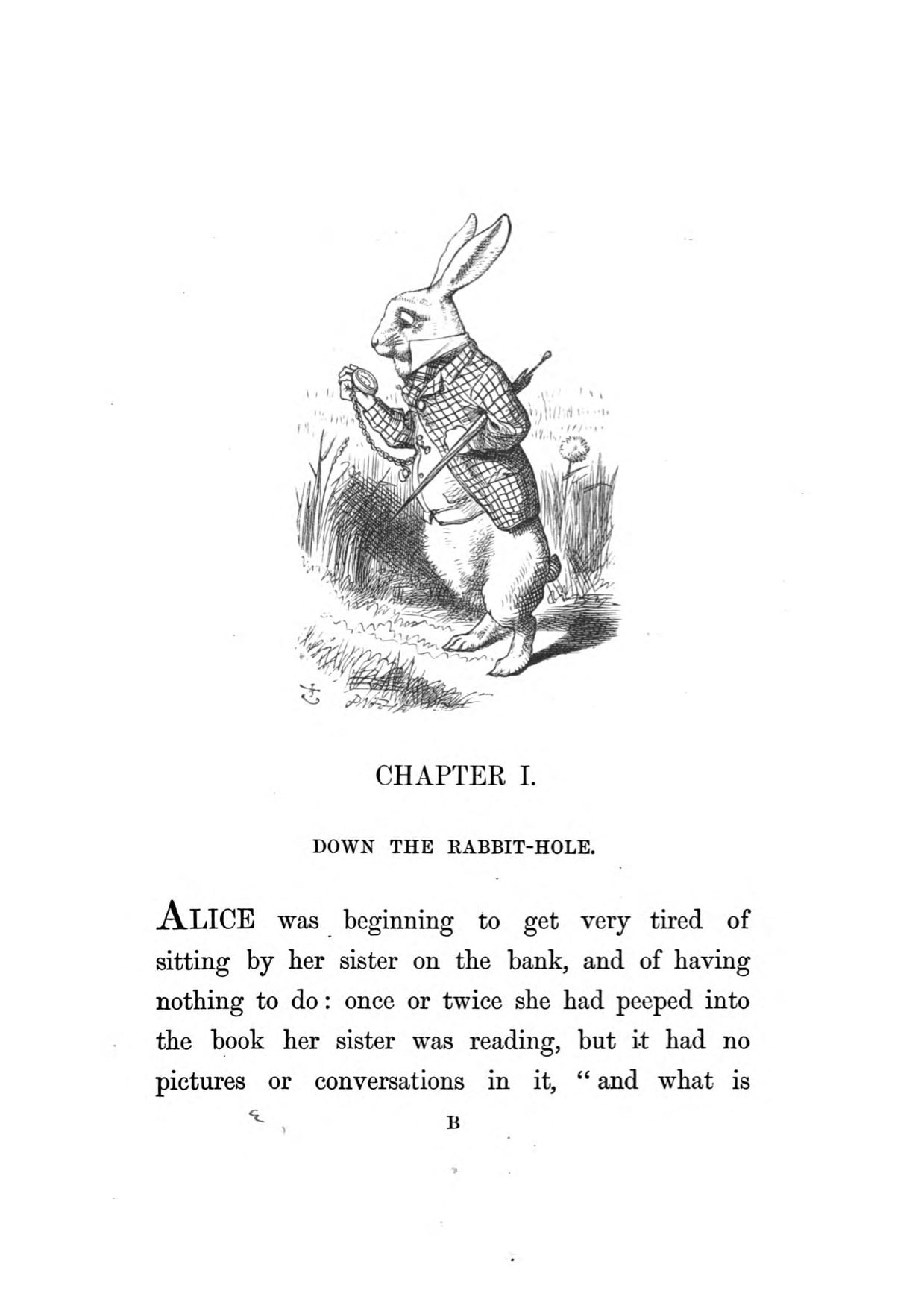
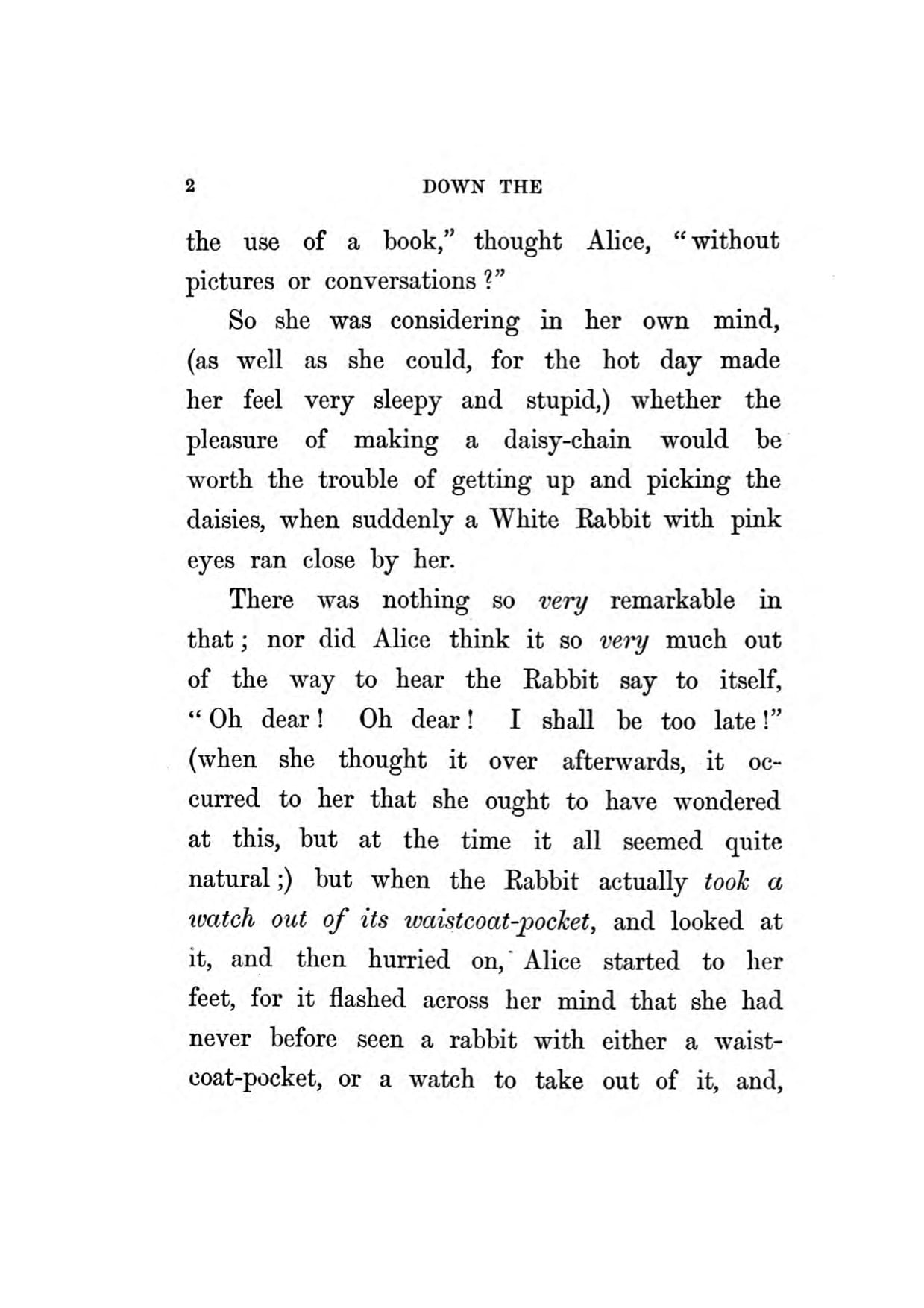

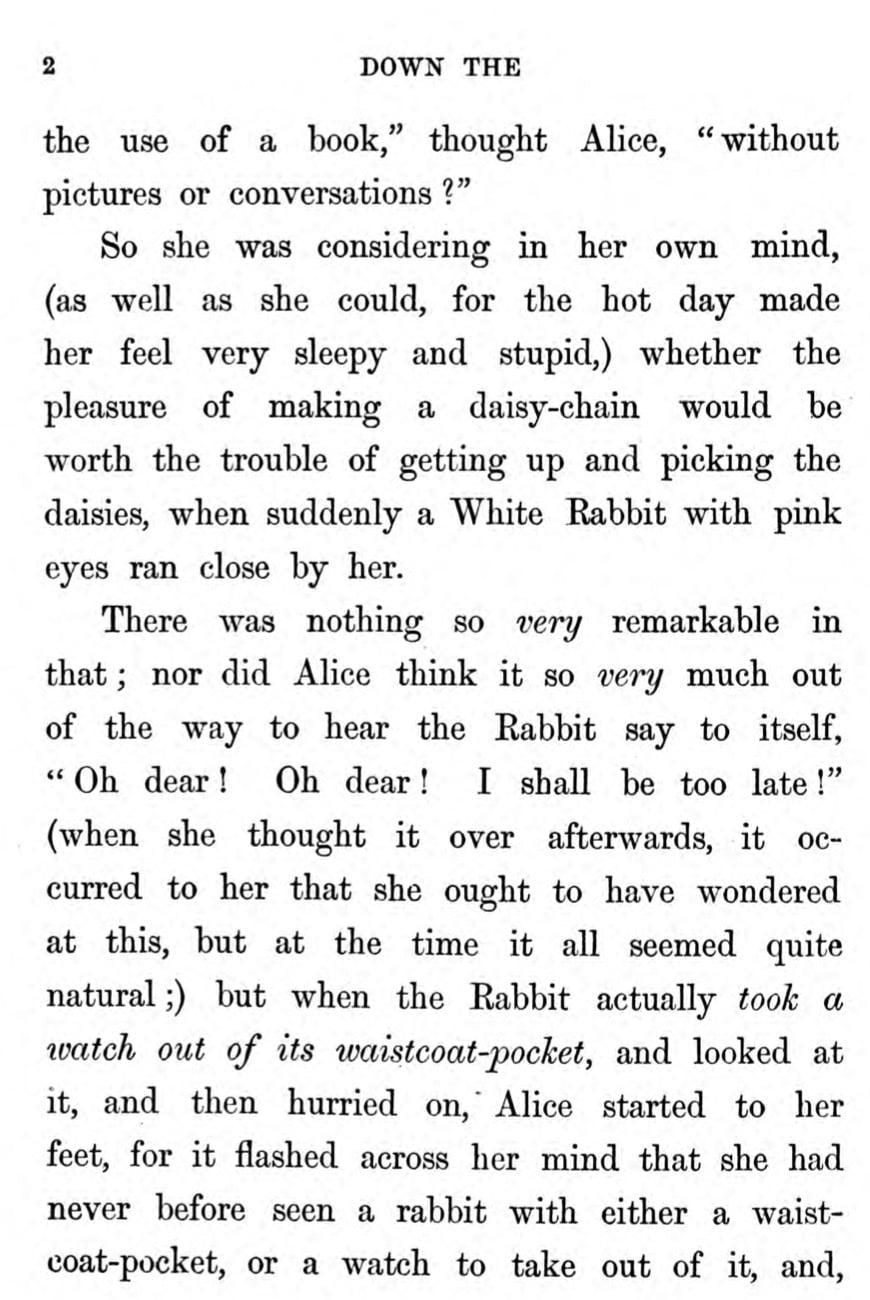
Smart Cropping Features
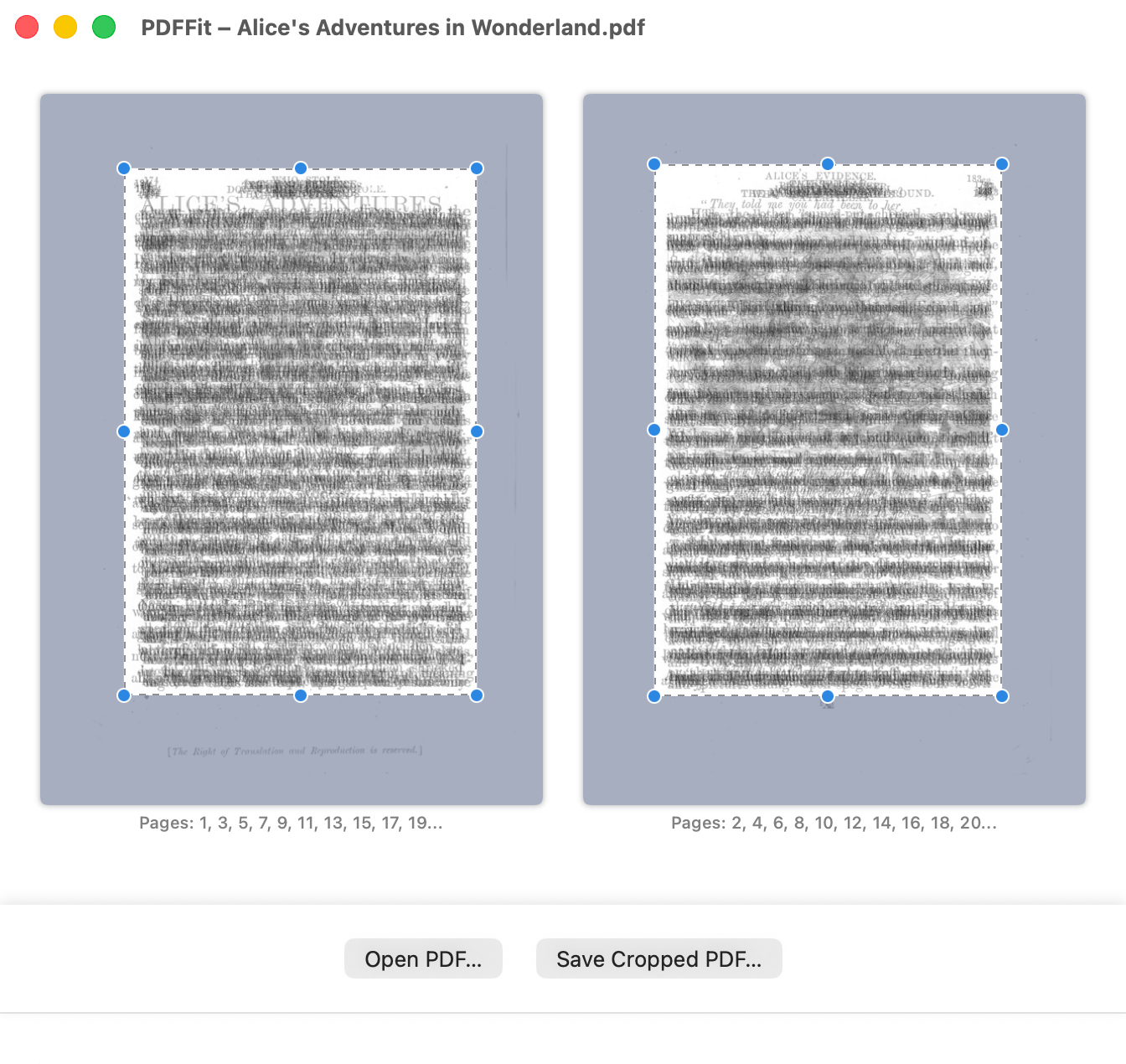
Visual Page Stacking
PDFFit stacks pages visually to automatically detect the area with meaningful content.
Smart Page Grouping
Groups pages with similar sizes and separates even and odd pages for precise cropping.
Automatic Detection
Intelligently detects content boundaries to remove white margins and blank space.
Manual Adjustments
Fine-tune the crop area manually when you need more control over the result.
Simple & Intuitive Interface
How It Works
Open Your PDF
Open your PDF file in PDFFit.
Auto-Detect Content
Let PDFFit automatically detect the content area.
Adjust if Needed
Fine-tune the crop area if necessary.
Save & Export
Save the cropped PDF.
Read Anywhere
Send it to your iPad, Kindle, or other reading device.
Download PDFFit
Try PDFFit free with a 50-page limit. Purchase to unlock full functionality.
Requires macOS 14 (Sonoma) or later
Buy PDFFit
One-time purchase. No subscription required.
- ✓ Unlimited PDF cropping
- ✓ All features unlocked
- ✓ Free minor dates
- ✓ One-time purchase
- ✓ Taxes may apply
By downloading or using the app, you are agreeing to our EULA.